Cancel Your Plan, or Close Your Account, Without Asking Us
Cancelling a plan and deleting an account are now buttons in the dashboard. Deletion stops sending at once and erases the data a week later, so a wrong click is not final.
Someone wrote to support last week to ask where they could delete their account. The honest answer was embarrassing: there was no page for it. Deleting meant an API call with a particular header, and cancelling a plan meant finding a button called "Manage Subscription" that handed you over to our payment provider's own site. Our terms of service said as much, in writing: no dashboard page yet, write to us instead.
A service you cannot leave without asking permission is a service people join more carefully. So both are now buttons where you would look for them.
Cancelling a plan#
Billing has a Cancel plan button. The plan keeps working until the end of the period you have already paid for, because ending it the moment you click would take away time you bought. The page tells you the date it stops.
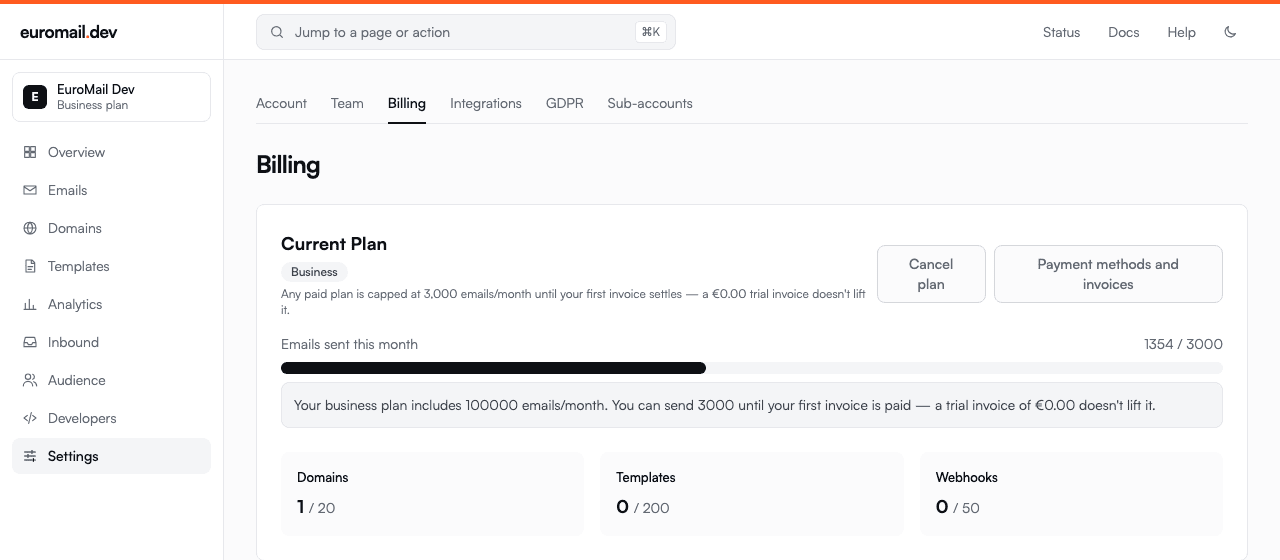
Until that date you can change your mind, and the button says so.
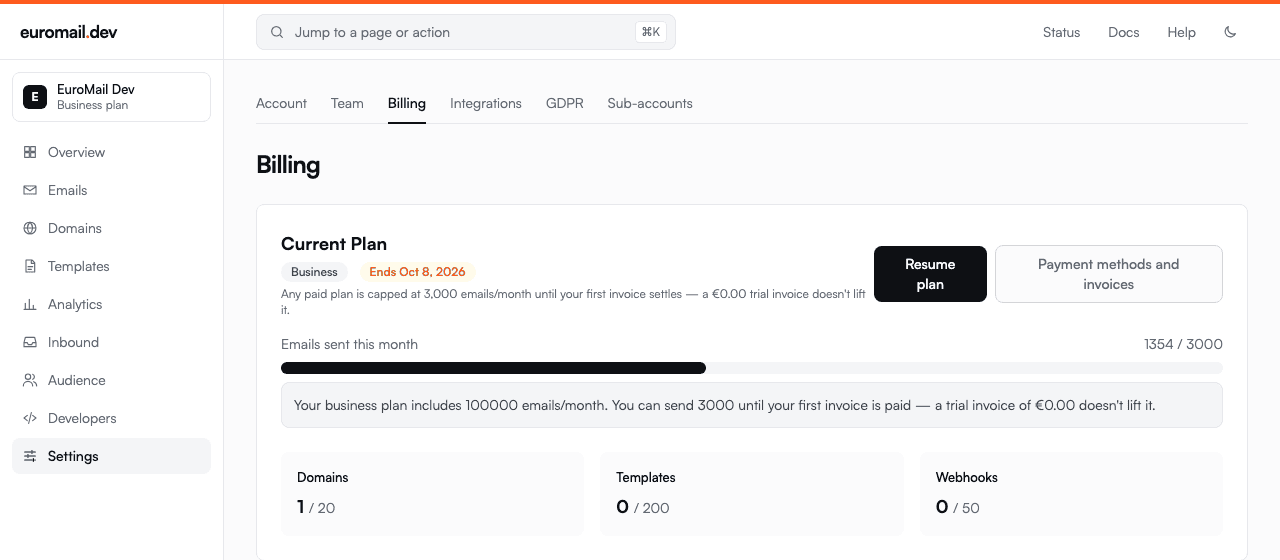
When the period runs out, the account moves to the free plan. It keeps sending within the free quota, and nothing is deleted. Cancelling a plan and closing an account are different things, and we kept them apart.
Deleting the account#
Settings ends with the other one. It asks for your email address and your password, because a delete button on its own is a button people press to see what it does.
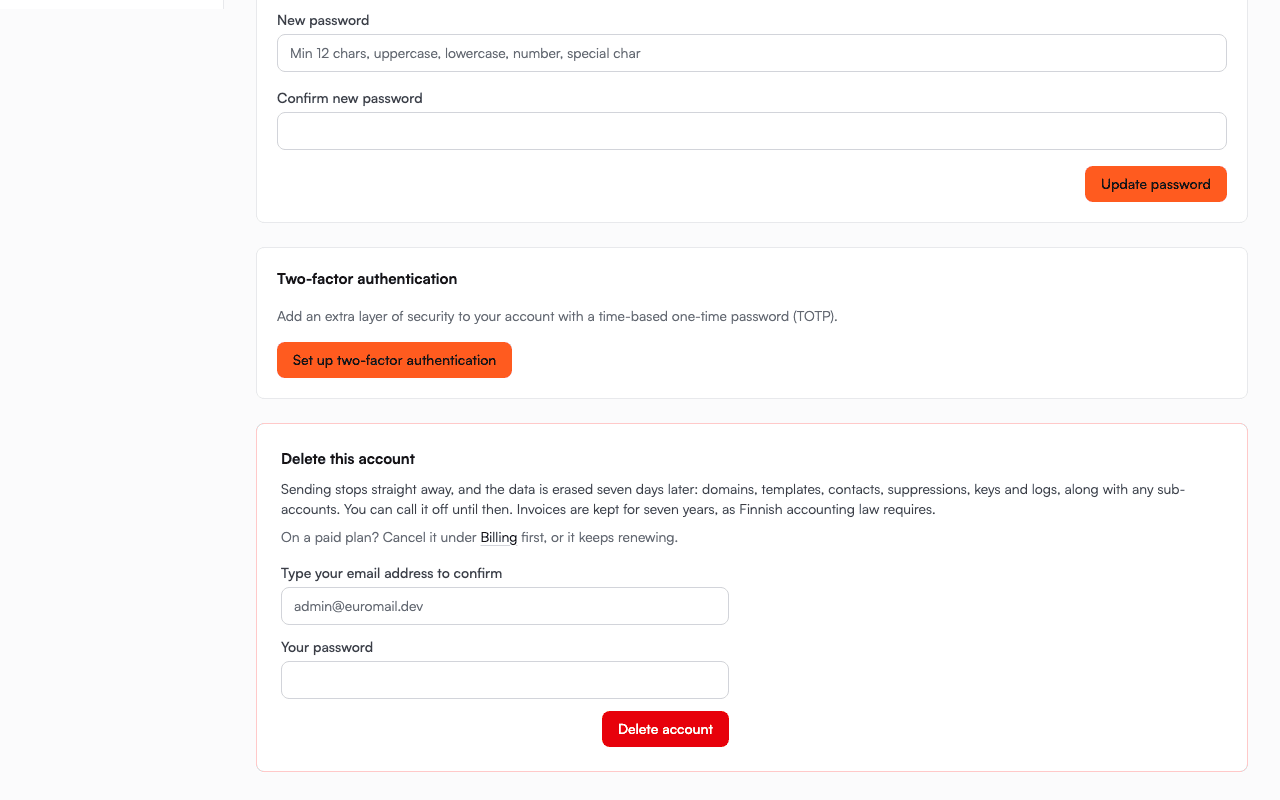
Sending stops immediately. The data is erased seven days later: domains, templates, contacts, suppressions, keys, logs, and any sub-accounts. During that week a banner on every page offers to call it off, and we email the account's address to say what is happening and when.
That week is the point. If someone gets into your account, or you click the wrong thing on a Friday, the difference between an inconvenience and losing everything is being able to undo it. Nothing sends in the meantime, so the wait costs you nothing.
After the week, it is gone and we cannot bring it back. Invoices we keep for seven years, because Finnish accounting law requires it.
If you prefer the API#
Both work there too. DELETE /v1/account schedules the deletion and tells you the date; POST /v1/account/restore calls it off. The GDPR guide has the details, and the billing guide covers cancelling.
We would rather you stayed. But you should not have to write to a human to leave, and now you do not.
Start sending GDPR-compliant email today
Create a free account and send your first email in minutes. Email storage and AI processing in Finland, with a DPA on every plan.